Individual running apps
Great for the solo runner — and blind to your team. No roster, no leaderboard, no way to see how 30 athletes are training.
For Coaches & Teams
Training, PRs, races, and team culture in one place — for high school, college, and club running teams.
One coach brings the whole roster. See every athlete’s mileage, rank your team, plan the week, and keep everyone moving — all in the app your runners already love.
Free for your whole team.
Watch
Five minutes, filmed on the track: how Stride helps every runner train smarter and get faster. Then bring your whole team in.
Free for your whole team.
“…everything is in one single place, and the AI Coach interprets your data automatically, making it simple and straightforward. Plus, the team interface is super clean. You can really tell this was built by a runner, for runners.”
“I absolutely love this app because it carries stuff that no running app carries with features like clubs and ai coaching.”
The gap nobody filled
Great for the solo runner — and blind to your team. No roster, no leaderboard, no way to see how 30 athletes are training.
Built for scheduling and logistics. They don’t know what a PR is, can’t track mileage, and were never built for running.
Running-specific training, PRs, and races plus real team management — rosters, leaderboards, tiers, a shared calendar, practice & meet attendance, and XC-style meet scoring. The first app built for running teams.
Inside a Stride Club
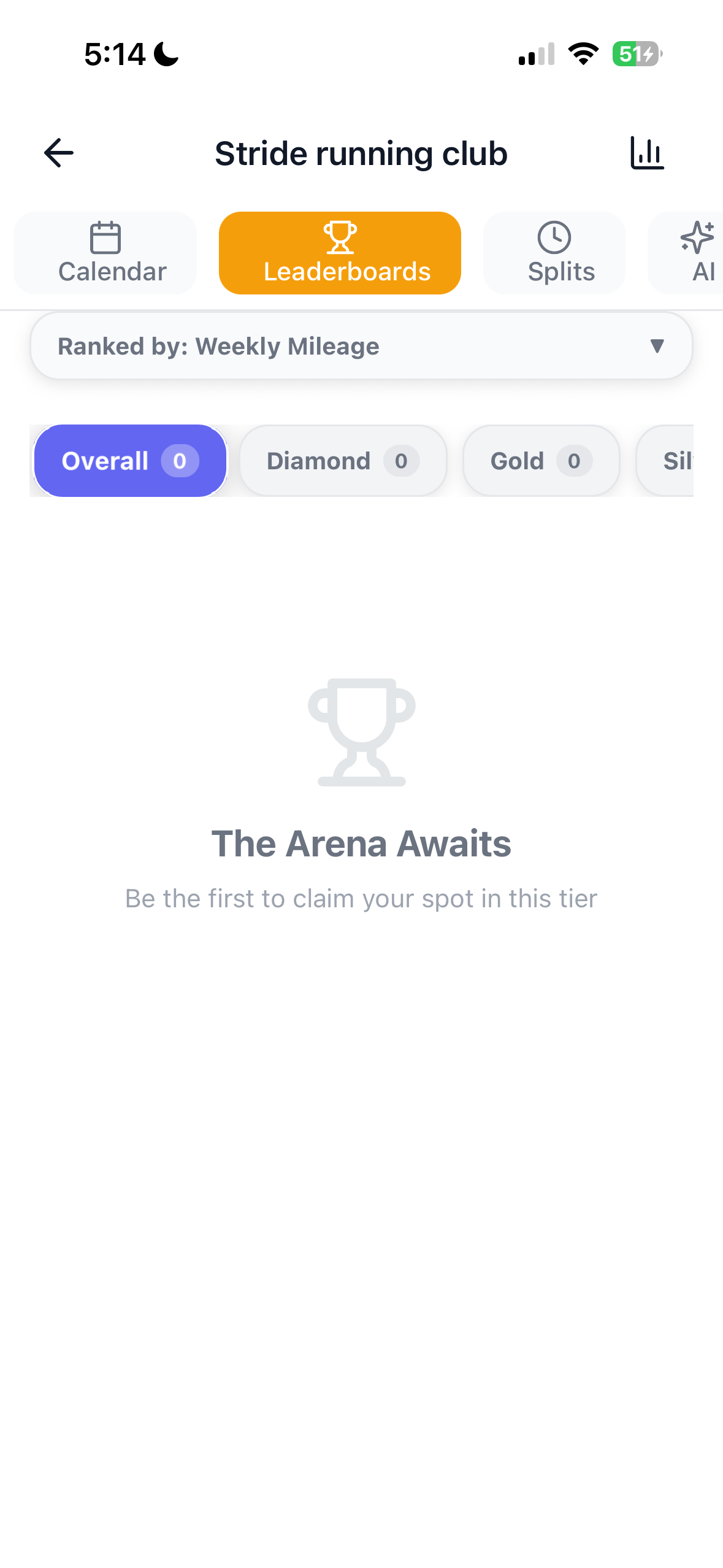
Rank every athlete by weekly mileage, then filter by tier. One screen tells you who’s putting in the work and who needs a nudge.
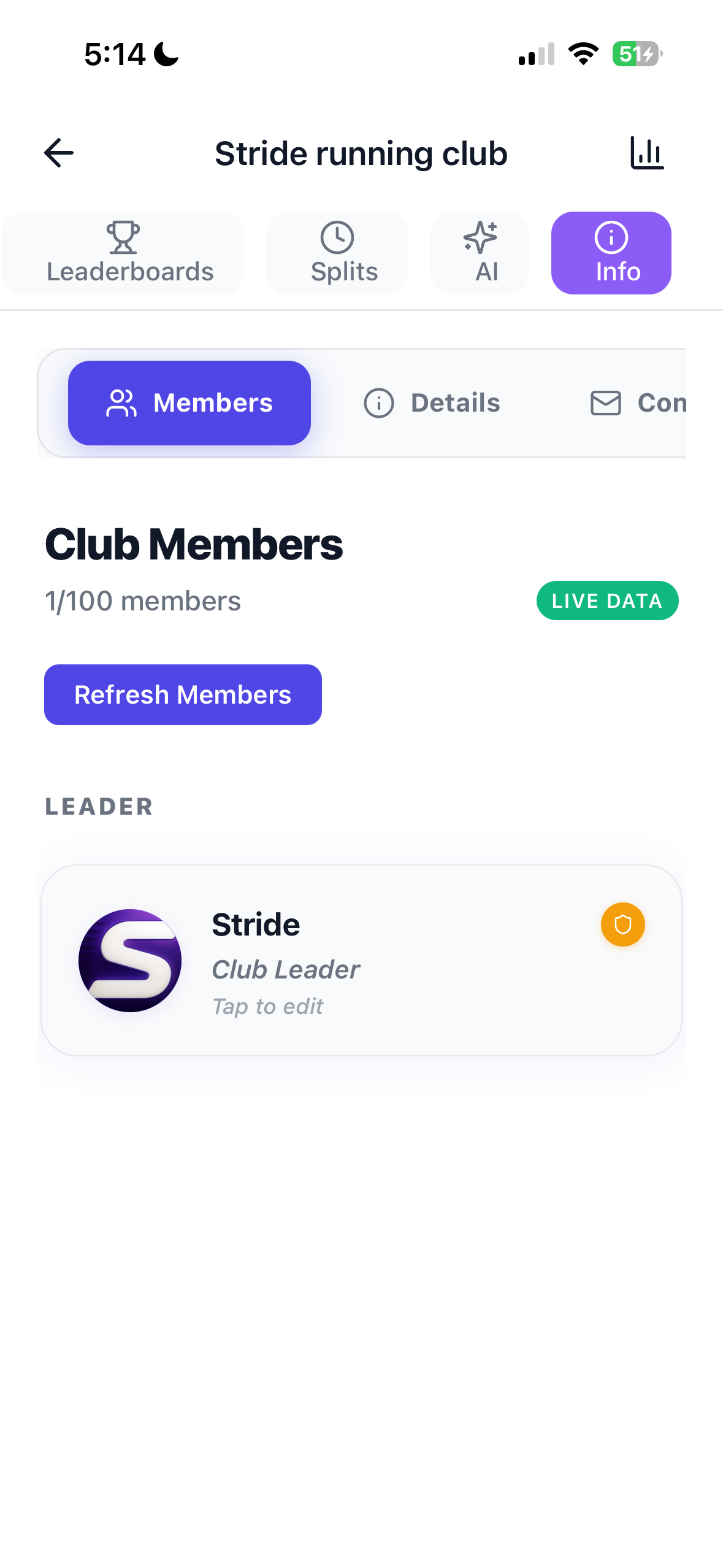
Every athlete in one place, with live data as their runs come in. Tap any runner to see their training for the week — planned and completed runs at a glance — keep private coach notes on each athlete (injuries, goals, reminders), and manage the whole program from your phone.
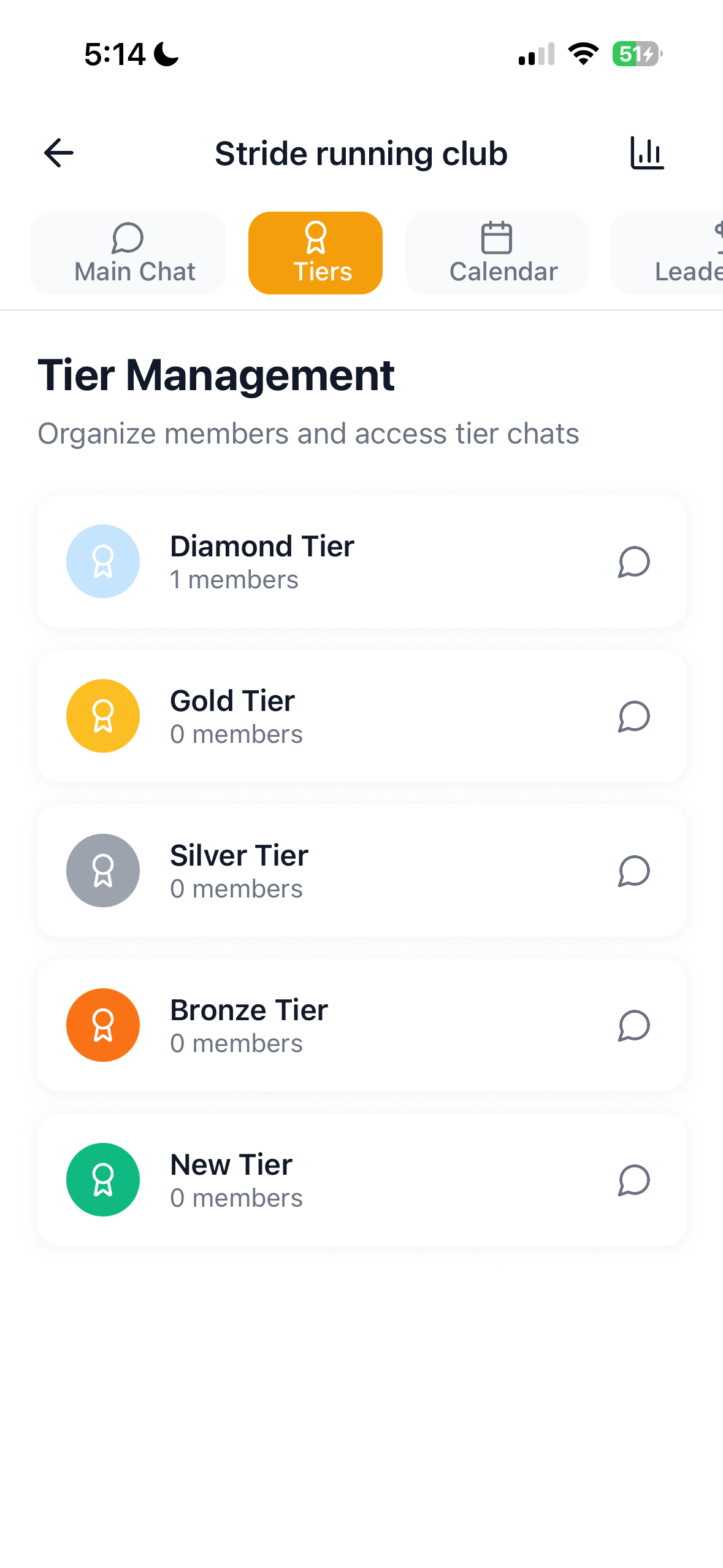
Sort athletes into tiers — varsity, JV, training groups, whatever fits your program — each with its own chat so the right runners get the right message.
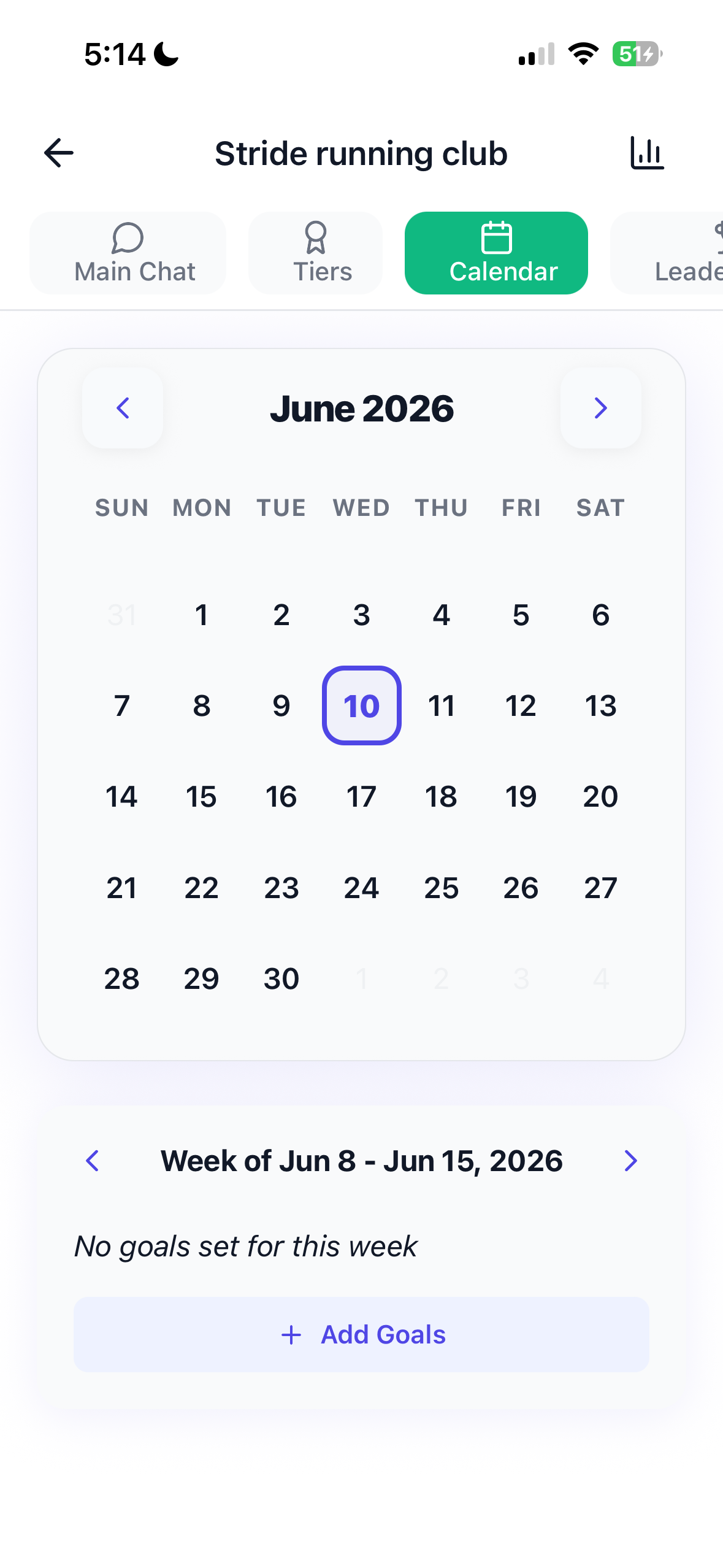
Set weekly goals and assign a workout to any tier, so the right runners get the right training. Put practices and meets on the calendar and your team RSVPs in a tap — you see exactly who’s coming and get a heads-up the moment an athlete reserves a spot. Then share or export any day, week, or month as a clean PDF.
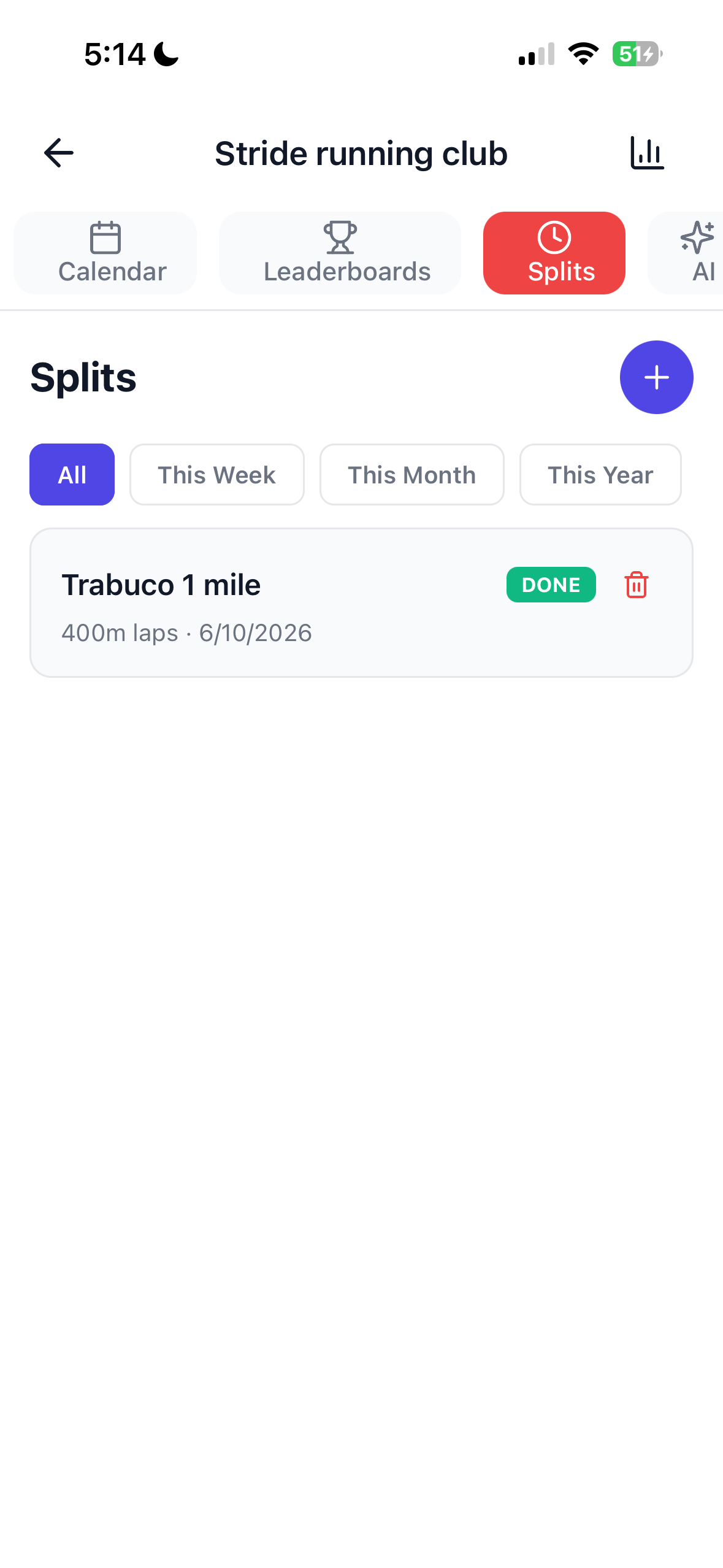
Log workouts and splits down to the 400m lap. This is running-specific, the way generic team apps never could be.
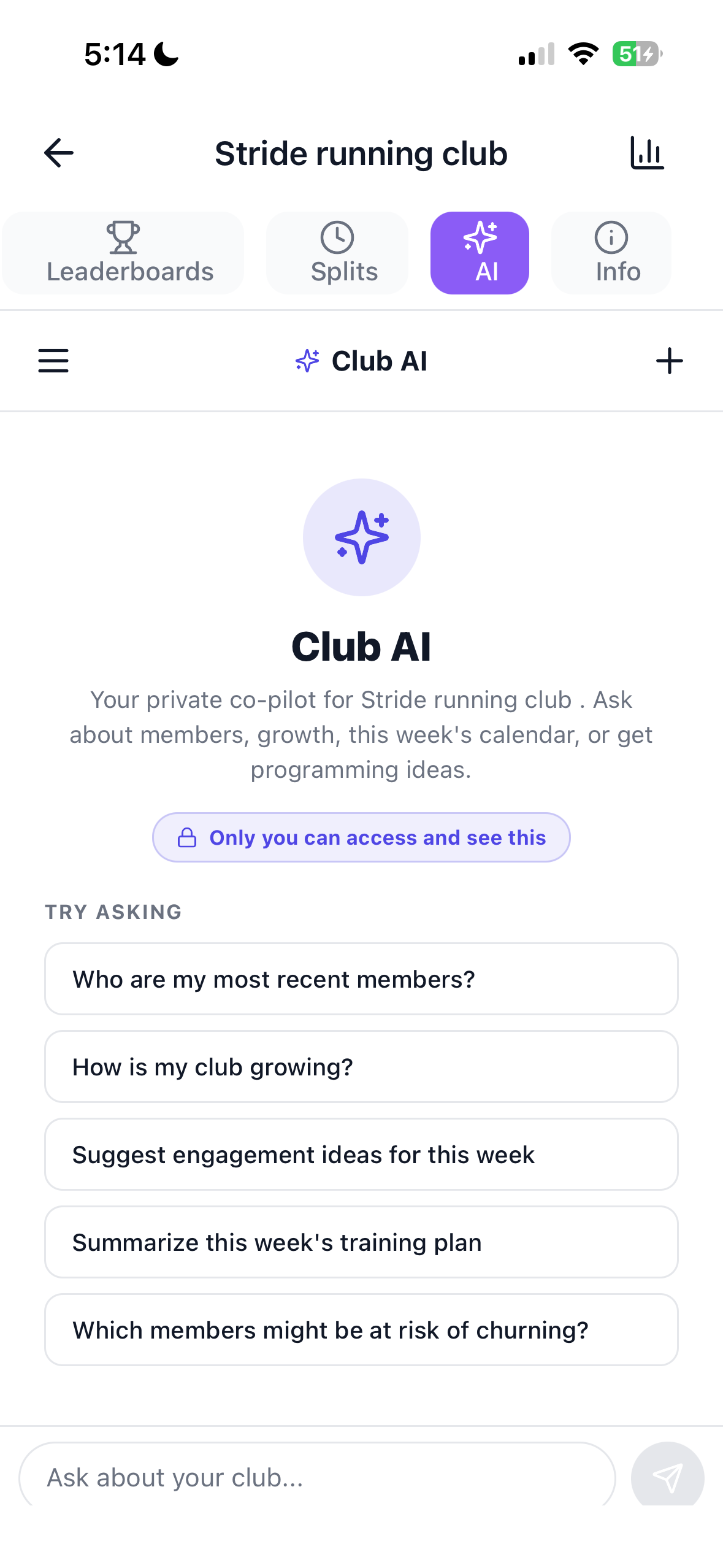
Ask Club AI who your most recent members are, how the team is growing, which athletes are at risk of falling off, or for programming ideas and a summary of this week’s training. Private to you.
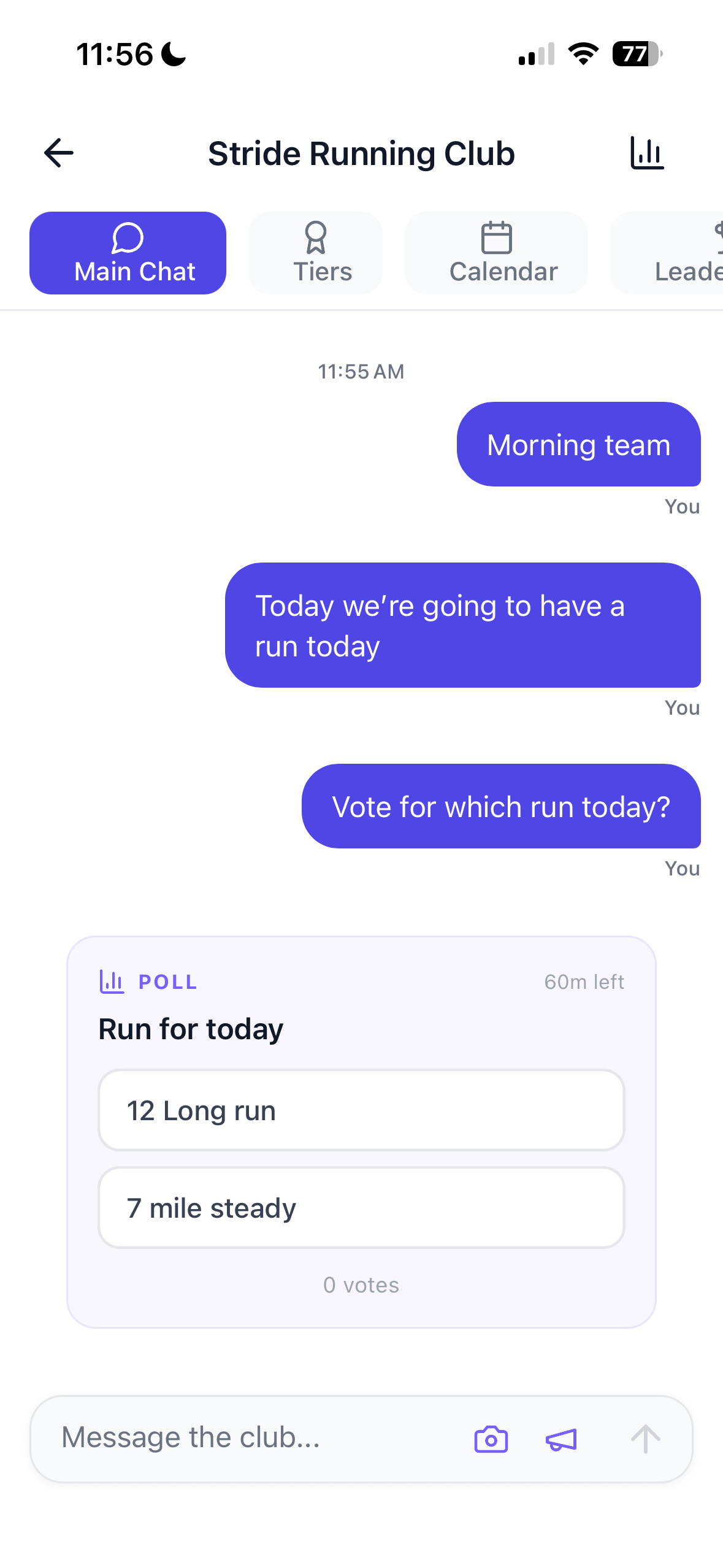
A team-wide main chat plus announcements when it matters — meet times, weather calls, race-day reminders — and one-on-one messaging with any runner, so nothing gets lost in a group text.
No per-athlete fees
Bring two runners or two hundred. Stride for teams is free — no per-seat pricing, no contracts. One coach sets it up, the whole roster runs on it.
Yes. Stride is free to download and free for coaches and athletes: your club, team chat, announcements, polls, the team calendar, training groups, the weekly mileage leaderboard, up to 5 saved workouts, run tracking, PRs and race logs. Athletes never pay to be on a team.
Coach Premium ($19.99/month or $159.99/year) is optional. It adds attendance, daily readiness check-ins, weekly team goals, each athlete’s training at a glance, private coach notes and more leaderboard views. Every new club gets those free for its first 7 days.
Download Stride, open Clubs and tap “Start a club”. You only need a name, your city and one line about your team.
Then either hold up the QR code at practice (tap the QR icon at the top of Clubs, then “Show QR at practice”) or paste the ready-made invite message in your team’s group chat. Athletes download Stride and enter your team code when they sign up, and you see them join live. It takes about two minutes.
Yes. Practices, meets and workouts you put on the team calendar show up for the whole team or just the training group you choose, and announcements go to everyone. Athletes RSVP in a tap, and with notifications on they hear about it right away.
Yes, it’s built for both. You can log XC and track seasons and meets: results rank by time, and XC meets get top-five team scoring automatically. Athletes log track workouts with splits down to the 400m lap, and training groups let you split distance and sprints, or varsity and JV. It works for road running clubs too.
Strava is built for individual athletes to record and share their activities; its clubs give you a shared feed, a weekly leaderboard and group events. TeamSnap is built for team logistics across many sports, like schedules, availability, messaging and payments, but it isn’t a running log.
Stride does both jobs for running teams in one app: practice times, announcements and the roster, plus mileage, workouts, PRs and meet results.
Stride vs Strava for coaches · Stride vs TeamSnap for running teams
Not yet. Stride is iPhone-only for now (iOS 17 or later). If some of your athletes use Android, email [email protected] and we’ll let you know when that changes.
Yes, through Apple Health. Runs from an Apple Watch, or from a Garmin or COROS watch that syncs to Apple Health, show up in Stride when athletes open the app. Athletes can also record runs with their phone’s GPS.
Your club’s chat, calendar and announcements are only visible to its members. Athletes’ email addresses and phone numbers aren’t shown to other users, and your coach notes are only visible to you.
Jonathan Mendoza, a college runner who coaches a high school cross country team. He built Stride to run his own team.
Available on iPhone
Download Stride, create your club, and add your roster. Your whole team, training together, in one app.
